
Contents
- How to Implement High-Power Charging for Real Results
- Configuration Risks in High-Power Charging
- The Charging Protocol and Architecture
- Choosing the Right Charging Solution
- Weighing the Benefits and Drawbacks
- Optimizing Your Workflow with High-Power Chargers
- Who Should Avoid This?
- Common Questions
- Final Thoughts
The demand for faster charging solutions has surged as our reliance on electronic devices grows. Traditional chargers often fall short, leading to frustration and downtime. Enter the 240W GaN charger, a compact powerhouse that promises rapid charging capabilities without the bulk. Understanding how to leverage this technology can significantly enhance your productivity and device performance.
Gallium Nitride, or GaN, is a semiconductor technology that allows for higher efficiency and smaller form factors compared to traditional silicon chargers. This means that a 240W GaN charger can deliver more power while occupying less space, making it an ideal solution for both home and travel use. The ability to charge multiple devices simultaneously is another critical advantage, which can streamline your workflow and reduce clutter. However, maximizing the benefits of a 240W GaN charger requires a clear understanding of its capabilities and optimal usage.
Many users overlook the importance of compatibility and proper configuration when integrating a new charger into their setup. Using a 240W GaN charger with devices that do not support fast charging can lead to suboptimal performance. Additionally, understanding the specifications and features of your devices is crucial for ensuring that you achieve the fastest possible charging speeds. This guide will break down the practical applications, common pitfalls, and technical details you need to know to fully harness the power of a 240W GaN charger.
By the end of this guide, you will have a comprehensive understanding of how to implement this technology effectively. Whether you are a tech enthusiast, a professional, or someone who simply wants to charge devices quickly, this information will empower you to make informed decisions. Let’s explore the practical applications and technical insights that can transform your charging experience.
How to Implement High-Power Charging for Real Results
- Best Tool: 240W GaN Charger
- Optimal Configuration: Use with devices that support Power Delivery 3.0
- Expected Outcome: Charge devices at optimal speed, reducing charging time by up to 50%
Understanding Compatibility and Power Delivery
Compatibility is a crucial factor when utilizing a 240W GaN charger. Many devices today support Power Delivery 3.0, which allows for faster charging by negotiating the optimal power level between the charger and the device. Ensure that your devices are compatible with this standard to take full advantage of the charger’s capabilities. This not only maximizes charging speed but also protects devices from potential damage due to incorrect voltage levels.
When connecting devices, pay attention to the cable used. Not all USB-C cables are created equal; using a cable rated for high wattage is essential. A cable that supports only 60W will limit the charger’s output, resulting in slower charging. Always opt for cables that explicitly state compatibility with 240W or higher to ensure optimal performance.
Pro Tip: Regularly check for firmware updates on your devices. Some manufacturers release updates that improve charging efficiency or compatibility with newer charging technologies.
Optimizing Charging Environments
The environment in which you charge your devices can significantly impact charging efficiency. Avoid charging in areas with high temperatures, as heat can reduce the effectiveness of charging and potentially damage the battery over time. Ideally, charge in a cool, ventilated space to maintain optimal performance. Additionally, ensure that the charger is not obstructed to allow for proper heat dissipation.
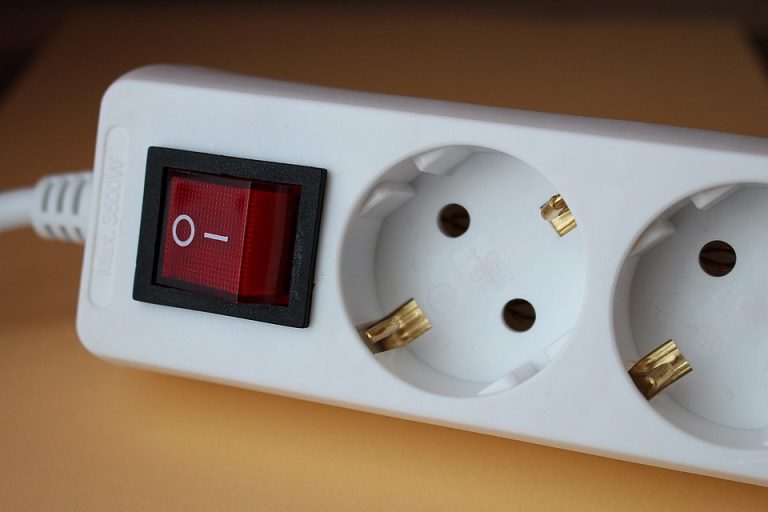
Using a power strip with surge protection can also enhance safety when charging multiple devices simultaneously. This prevents voltage spikes that can occur during charging, which may damage sensitive electronics. Investing in a high-quality surge protector ensures that your devices remain safe while benefiting from fast charging capabilities.
Pro Tip: Monitor the charging status of your devices regularly. Many modern devices have built-in features that notify you when they are fully charged, helping to prevent overcharging.
Multi-Device Charging Strategies
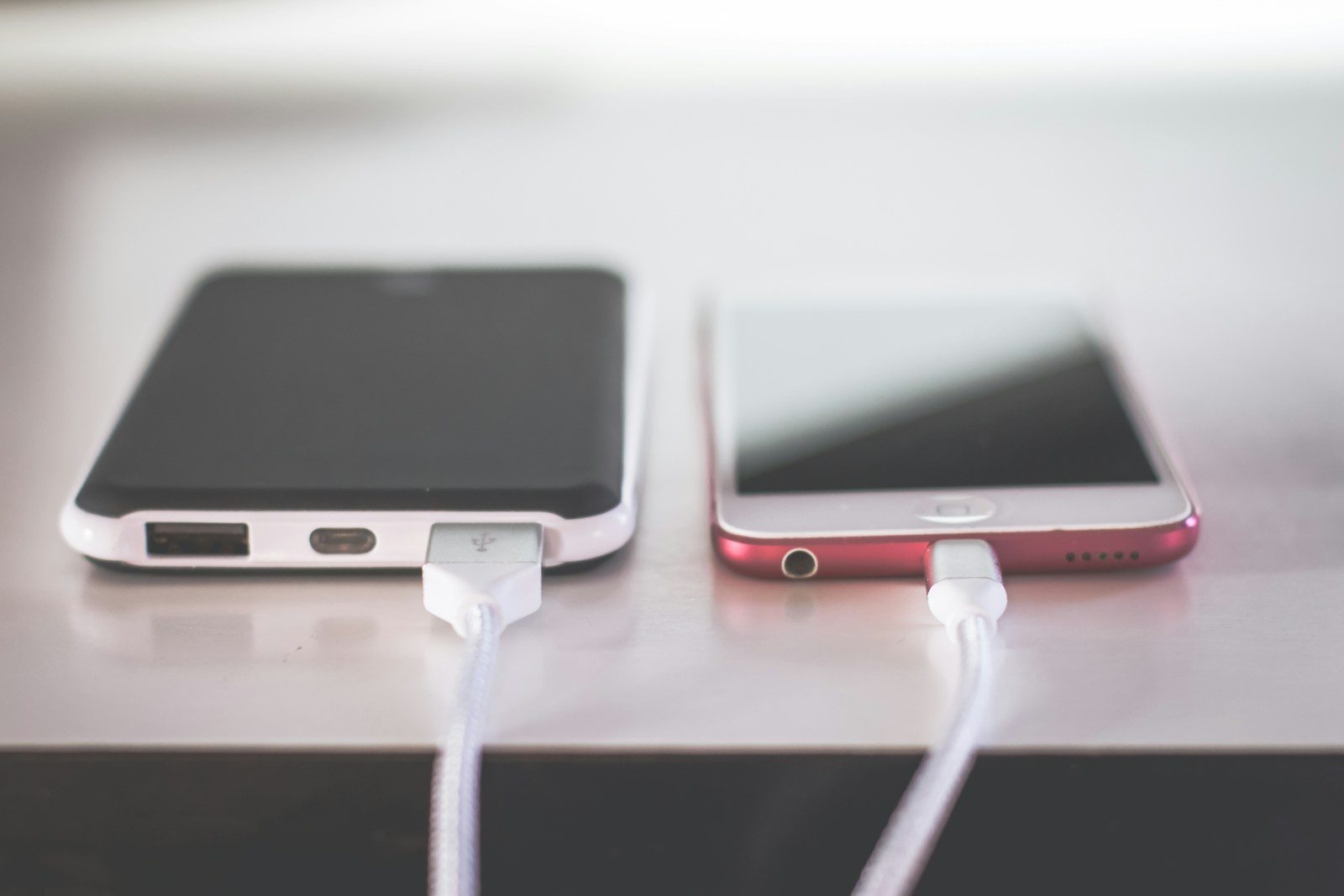
One of the standout features of a 240W GaN charger is its ability to charge multiple devices at once. To maximize this feature, prioritize devices based on their charging needs. For instance, if you are charging a laptop and a smartphone, connect the laptop first, as it typically requires more power. This ensures that each device receives the necessary wattage for optimal charging.
Consider the total wattage distribution when charging multiple devices. Some chargers automatically allocate power based on the connected devices, while others may require manual configuration. Familiarize yourself with your charger’s specifications to understand how power is distributed among devices. This knowledge can prevent slower charging speeds and ensure that all devices are charged efficiently.
Pro Tip: Use device-specific charging modes if available. Some chargers offer modes optimized for certain devices, which can further enhance charging speed and efficiency.
Configuration Risks in High-Power Charging
Overloading Power Sources
One common error when using a 240W GaN charger is overloading the power source. This can occur when multiple high-wattage devices are connected to the same outlet, exceeding the outlet’s capacity. This not only risks tripping circuit breakers but can also lead to potential damage to both the charger and the devices. Always check the amperage rating of your outlets and avoid exceeding their limits.
To mitigate this risk, consider using dedicated circuits for high-power devices. If you frequently charge multiple devices, it may be worthwhile to consult an electrician about upgrading your electrical system. This ensures that your charging setup remains safe and efficient, allowing you to take full advantage of the 240W GaN charger’s capabilities without risk.
Using Incompatible Cables
Another frequent mistake is using incompatible or low-quality cables. Many users assume that any USB-C cable will suffice, but this is not the case. A cable rated for lower wattage can restrict the power delivery, resulting in slower charging times. Always choose cables that are rated for at least 240W to ensure optimal performance.
Investing in high-quality cables from reputable manufacturers can save you time and frustration. Look for cables that have been tested for high-wattage charging and come with a warranty. This not only guarantees performance but also provides peace of mind regarding safety and durability.
Ignoring Device Compatibility
Failing to check device compatibility is a common oversight that can lead to inefficient charging. While many modern devices support fast charging, not all are compatible with the high wattage provided by a 240W GaN charger. Using such a charger with an incompatible device may result in slower charging speeds or even no charging at all.
Always verify the specifications of your devices before connecting them to a high-power charger. Consult the manufacturer’s guidelines to ensure compatibility with Power Delivery standards. This simple step can help you avoid unnecessary complications and ensure that you are getting the most out of your charging setup.
The Charging Protocol and Architecture
Understanding the technical architecture behind a 240W GaN charger is essential for optimizing its use. The charger typically utilizes the USB Power Delivery protocol, which allows for dynamic negotiation of power levels between the charger and the connected device. This means that the charger can adjust its output based on the device’s requirements, ensuring efficient and safe charging.
Another critical aspect is the implementation of thermal management protocols. These protocols monitor the temperature of both the charger and the connected devices, adjusting power output to prevent overheating. This is particularly important in high-wattage charging scenarios, where heat can become a significant concern. Ensuring that your charger employs effective thermal management can prolong the lifespan of both the charger and your devices.
For more technical insights, you can refer to this Reference on advanced charging technologies and their implications. This resource provides a deeper understanding of the protocols involved in high-power charging and their impact on device performance.
Choosing the Right Charging Solution
- Assess Device Compatibility: Ensure that your devices support Power Delivery 3.0 to maximize charging efficiency. This can significantly reduce charging times and enhance overall performance.
- Evaluate Cable Quality: Use high-quality cables rated for 240W or higher. This prevents bottlenecks in power delivery and ensures that your devices charge at optimal speeds.
- Consider Surge Protection: Invest in a surge protector for added safety when charging multiple devices. This protects against voltage spikes that could damage sensitive electronics.
Weighing the Benefits and Drawbacks
| The Benefits | Potential Downsides |
|---|---|
| Rapid charging capabilities that can significantly reduce downtime. | Higher initial investment compared to standard chargers. |
| Compact design makes it easy to transport. | Potential for overheating if not used in a well-ventilated area. |
| Ability to charge multiple devices simultaneously. | Compatibility issues with older devices that do not support fast charging. |
Optimizing Your Workflow with High-Power Chargers
Utilizing a 240W GaN charger can streamline your workflow significantly. Pair it with devices that require high power, such as laptops and tablets, to minimize downtime. This is particularly beneficial for professionals who rely on multiple devices for productivity.
Consider integrating charging stations in your workspace. This allows for easy access to power and ensures that devices are always ready for use. Additionally, using a single charger for multiple devices can reduce clutter and simplify your setup.
Who Should Avoid This?
Individuals with older devices that do not support fast charging should be cautious when considering a 240W GaN charger. Using such a charger with incompatible devices may lead to inefficiencies and potential damage. Additionally, those who primarily charge devices overnight or infrequently may not benefit from the investment.
Users in environments where overheating is a concern should also consider alternatives. If you frequently charge devices in confined spaces without ventilation, the risk of overheating may outweigh the benefits of fast charging.
Common Questions
What devices can I charge with a 240W GaN charger?
A 240W GaN charger can charge a variety of devices, including laptops, tablets, and smartphones that support USB Power Delivery. Always check the device specifications to ensure compatibility.
Will using a 240W charger damage my devices?
If your devices are compatible with Power Delivery standards, using a 240W charger will not damage them. The charger negotiates the appropriate power level for each device, ensuring safe charging.
How can I ensure optimal charging speed?
To achieve optimal charging speeds, use high-quality cables rated for at least 240W and ensure that your devices are compatible with Power Delivery 3.0. Additionally, charge in a cool, ventilated area to prevent overheating.
Final Thoughts
Embracing a 240W GaN charger can transform your charging experience, offering speed and efficiency that traditional chargers cannot match. Understanding the technical aspects and practical applications will empower you to use this technology effectively.
- Maximize compatibility with Power Delivery standards.
- Invest in high-quality cables for optimal performance.
- Monitor your charging environment to prevent overheating.