
Contents
Audio quality can make or break the impact of a project, whether in music production, podcasting, or any other audio-centric field. Many creators struggle with background noise, uneven levels, and clarity issues that detract from their work. Traditional methods of audio enhancement often fall short, requiring extensive manual adjustments and expertise that not everyone possesses. Enter AI technology, which offers innovative solutions to enhance audio quality with precision and efficiency.
The integration of AI in audio processing is not just a trend but a transformative shift that can elevate the listening experience. AI algorithms can analyze audio signals in real time, identifying and correcting issues that human ears might miss. This capability allows for a more polished final product, saving time and resources while delivering professional-grade sound. Understanding how to leverage these tools effectively is crucial for anyone looking to improve their audio output.
However, the landscape of audio enhancement with AI is complex, filled with various tools and configurations that can overwhelm even seasoned professionals. Knowing which tools to use and how to set them up for optimal performance is essential. This guide will break down the intricacies of AI audio enhancement, providing actionable insights and strategies to maximize audio quality.
By exploring practical applications, common pitfalls, and the underlying technology, this guide aims to equip you with the knowledge needed to navigate the world of AI audio enhancement. Whether you are a musician, podcaster, or content creator, mastering these techniques will help you achieve superior audio quality that resonates with your audience.
How to Implement AI Audio Enhancement for Real Results
- Best Tool: iZotope RX 10
- Optimal Configuration: Use the Spectral De-noise module with a noise profile captured from a silent section
- Expected Outcome: Reduction of background noise by up to 90%
Understanding AI Noise Reduction
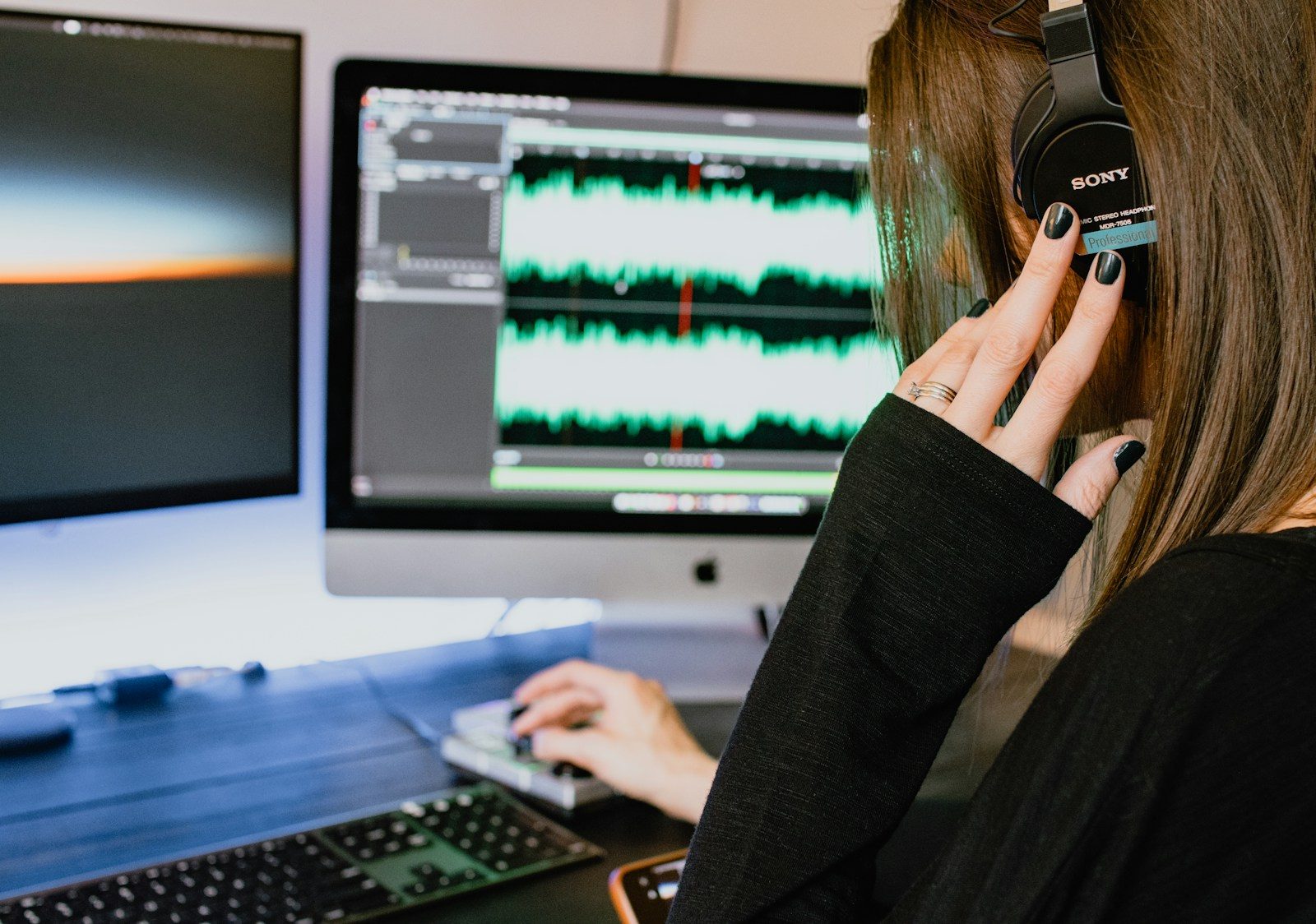
Noise reduction is one of the most critical aspects of audio enhancement. Many audio files contain unwanted background noise that can distract listeners. AI-driven noise reduction tools analyze the audio spectrum and intelligently differentiate between desired sounds and noise. By capturing a noise profile from a silent section, the tool can effectively remove unwanted sounds while preserving the integrity of the primary audio. This method is far superior to traditional noise gates, which can inadvertently cut off parts of the audio.
The action begins with selecting a noise profile that accurately represents the unwanted sound. This step is crucial; an inaccurate profile can lead to artifacts in the audio, making it sound unnatural. Once the profile is captured, the AI algorithm applies the noise reduction in real time, offering immediate feedback on adjustments. This iterative process allows for fine-tuning, ensuring that the final output retains clarity without sacrificing quality.
User experience is significantly enhanced with AI noise reduction tools. Many of these applications feature intuitive interfaces that provide visual feedback, allowing users to see the effects of their adjustments. This visual representation can help users make informed decisions about their audio settings, leading to a more satisfying editing experience. Pro Tip: Always test the noise profile on different sections of your audio to ensure consistent quality throughout.
Leveraging AI for Equalization
Equalization (EQ) is another essential component of audio enhancement, allowing for the adjustment of frequency levels to achieve a balanced sound. AI can streamline this process by automatically analyzing audio tracks and suggesting optimal EQ settings based on the content. This feature is particularly useful for those who may not have an ear for subtle frequency adjustments, as it takes the guesswork out of the equation.
To implement AI-driven EQ, start by analyzing the audio track with the AI tool of your choice. The tool will assess the frequency response and identify areas that require boosting or cutting. Once suggestions are made, users can apply these settings with a single click or make manual adjustments as needed. This process not only saves time but also leads to a more polished final product.
The user experience with AI EQ tools is enhanced through real-time feedback and visual representations of frequency changes. Many tools provide graphs that display how the EQ settings affect the audio, allowing users to hear the changes as they make them. This immediate feedback loop fosters a more interactive editing experience. Pro Tip: Use the AI EQ suggestions as a starting point and fine-tune them based on your personal taste and the specific needs of the project.
Implementing AI for Mastering
Mastering is the final step in audio production, where the overall sound is polished and prepared for distribution. AI mastering tools analyze the entire audio track and apply a series of adjustments to achieve a professional sound. These tools can adjust levels, apply compression, and even enhance stereo imaging, all while adhering to industry standards.
To implement AI mastering, upload your final mix to an AI mastering platform. The AI will analyze the track and make recommendations based on the genre and desired loudness levels. This process can significantly reduce the time spent on mastering, allowing creators to focus on other aspects of their projects. It’s essential to review the AI’s output critically, as automated processes may not always align with the creator’s vision.
User experience is enhanced through the simplicity of the mastering process. Many platforms offer a one-click solution, making it accessible even for those with minimal technical knowledge. However, understanding the underlying principles of mastering can help users make better decisions when reviewing AI-generated results. Pro Tip: Always compare the AI-mastered version with your original mix to ensure that the essence of your sound is preserved.
Configuration Risks in AI Audio Enhancement
Ignoring Input Quality
One common error in audio enhancement is neglecting the quality of the input audio. Many users assume that AI tools can fix poor-quality recordings, but this is a misconception. If the original audio is filled with distortion or artifacts, even the most advanced AI algorithms will struggle to produce a clean output. This oversight can lead to a final product that sounds worse than the original, resulting in wasted time and effort.
The fix is straightforward: always prioritize capturing high-quality audio at the source. Invest in quality microphones and recording equipment, and ensure that the recording environment is as free from noise as possible. By starting with a clean audio file, AI tools will have a better foundation to work from, leading to significantly improved results.
Over-Reliance on AI Tools
Another pitfall is becoming overly reliant on AI tools for audio enhancement. While these technologies can provide significant benefits, they should not replace fundamental audio knowledge and skills. Users may skip essential steps in the audio production process, assuming that AI will handle everything. This reliance can lead to a lack of understanding of the audio itself, making it difficult to troubleshoot issues when they arise.
Many users overlook the importance of post-processing after applying AI enhancements. While AI tools can significantly improve audio quality, failing to review and refine the output can result in a lack of cohesion and polish. This oversight can lead to a disjointed listening experience, where the audio does not flow smoothly from one section to another. The solution lies in incorporating a thorough review process after using AI tools. Listen to the enhanced audio multiple times, making note of any areas that may require further adjustments. This step ensures that the final product is cohesive and meets the desired quality standards. Taking the time for this review can make a substantial difference in the overall impact of the audio. AI audio enhancement relies on various protocols and standards that govern how audio data is processed. One such standard is the Audio Engineering Society’s AES67, which outlines interoperability for high-performance audio over IP networks. This protocol ensures that different audio devices can communicate effectively, allowing for seamless integration of AI tools into existing workflows. Another critical standard is the ITU-R BS.1770, which provides guidelines for measuring audio loudness. This standard is essential for AI mastering tools, as it helps maintain consistent loudness levels across different platforms and playback systems. Adhering to these standards can significantly enhance the user experience, ensuring that audio sounds as intended regardless of where it is played. Understanding these protocols is crucial for anyone looking to implement AI audio enhancement effectively. By leveraging industry standards, users can ensure compatibility and achieve optimal results. For more information on audio standards, refer to Wired.Neglecting Post-Processing
The Architecture of AI Audio Enhancement
Choosing the Right Solution
Pros & Cons
| The Benefits | Potential Downsides |
|---|---|
| Significantly improves audio quality with minimal effort. | May require a learning curve to understand optimal configurations. |
| Automates tedious processes, saving time. | Over-reliance can lead to a lack of fundamental audio skills. |
| Offers real-time feedback for better decision-making. | Can produce artifacts if input quality is poor. |
Tools and Workflows
Integrating AI audio enhancement tools into your workflow can streamline the production process. Popular tools include iZotope RX for noise reduction, FabFilter Pro-Q for EQ, and LANDR for mastering. Each of these tools offers unique features that can be tailored to specific audio projects, enhancing overall quality and efficiency.
Consider creating a workflow that incorporates these tools in a sequence that best suits your production needs. For example, start with noise reduction, followed by EQ adjustments, and finish with mastering. This structured approach will ensure that each aspect of audio quality is addressed comprehensively.
Who Should Avoid This?
Individuals working with extremely low-budget setups may find that investing in AI audio enhancement tools does not yield significant returns. If the recording environment is consistently noisy or the equipment is subpar, even the best AI tools cannot compensate for these limitations.
Additionally, those who prefer a hands-on approach to audio editing may find AI tools restrictive. Relying on automated processes can hinder creative expression and the ability to develop a unique sound. In such cases, traditional editing methods may be more suitable.
Common Questions
What is AI audio enhancement?
AI audio enhancement refers to the use of artificial intelligence algorithms to improve audio quality by reducing noise, optimizing EQ, and mastering tracks automatically. These tools analyze audio signals and make adjustments in real time, offering a more polished final product.
Can AI tools replace traditional audio editing skills?
While AI tools can significantly streamline the audio editing process, they should not replace fundamental audio knowledge. Understanding basic principles of audio production is essential for making informed decisions and achieving the desired sound.
How do I choose the right AI audio enhancement tool?
Assess your specific needs, evaluate compatibility with existing equipment, and consider user experience when selecting an AI tool. Look for solutions that offer the features most relevant to your audio projects.
The Bottom Line
AI technology offers powerful solutions for enhancing audio quality, making it accessible for creators at all levels.
- Invest in quality input to maximize AI benefits.
- Balance AI usage with fundamental audio skills.
- Utilize industry standards for optimal results.