
Contents
Video quality has become a critical factor in user experience across various platforms. As streaming services and social media continue to dominate, the demand for high-quality visuals is higher than ever. However, achieving optimal video quality can be challenging due to various technical limitations, including bandwidth constraints and hardware capabilities. Artificial Intelligence has emerged as a powerful tool to address these challenges, particularly through frame tracking techniques.
Frame tracking involves analyzing and improving individual frames in a video sequence to enhance overall quality. This technique can significantly reduce artifacts, improve clarity, and ensure smooth motion. The integration of AI in frame tracking not only automates these processes but also optimizes them in real time, allowing for a more seamless viewing experience. Understanding how to leverage these technologies effectively can provide a competitive edge in content delivery.
The application of AI in video enhancement goes beyond mere visual improvements. It can also lead to reduced buffering times and lower data consumption, which are crucial for retaining viewer engagement. By employing advanced algorithms, AI can predict motion and adjust frame rates dynamically, ensuring that viewers receive the best possible experience regardless of their device or connection speed.
As the landscape of video content continues to evolve, mastering AI frame tracking techniques becomes essential for content creators and businesses alike. This guide aims to provide a comprehensive understanding of how to enhance video quality through these innovative methods, ensuring that your content stands out in a crowded marketplace.
How to Implement AI Frame Tracking for Real Results
- Best Tool: TensorFlow
- Optimal Configuration: Use the “tf.image” API with a focus on “resize” and “crop” parameters to maintain aspect ratio
- Expected Outcome: Improved frame clarity and reduced latency in video playback
Understanding Frame Tracking Algorithms
Frame tracking algorithms are designed to analyze the motion between consecutive frames in a video. These algorithms utilize techniques such as optical flow, which calculates the motion of objects between frames by examining pixel intensity changes. By implementing these algorithms, you can achieve a smoother transition between frames, reducing blurriness and enhancing overall clarity.
When setting up your frame tracking algorithm, pay close attention to the parameters that control sensitivity and motion detection thresholds. A common configuration is to set the optical flow parameters to a lower threshold, which can help in detecting subtle movements that might otherwise be missed. This is particularly useful in fast-paced videos where motion blur can detract from quality.
The user experience is greatly enhanced when frame tracking is executed effectively. Viewers are less likely to experience choppy playback or visual artifacts, leading to higher engagement rates. A well-implemented frame tracking algorithm can improve viewer retention by as much as 30 percent, making it a critical component in video production.
Pro Tip: Regularly test your algorithms with various video types to ensure adaptability across different content genres.
Integrating AI with Existing Video Workflows
Integrating AI frame tracking techniques into existing video workflows requires careful planning and execution. Begin by assessing your current video processing pipeline to identify where AI can add the most value. This might involve incorporating AI tools for real-time enhancement during live broadcasts or post-production for recorded content.
Configuration settings play a crucial role in this integration. For instance, when using machine learning models for frame tracking, ensure that your model is trained on a diverse dataset that includes various video resolutions and frame rates. This will enable the AI to generalize better and perform optimally across different scenarios.
The user experience can be significantly improved by automating routine tasks through AI integration. By reducing manual intervention, content creators can focus more on creative aspects while the AI handles technical enhancements. This not only speeds up the production process but also ensures a consistent quality across all videos.
Pro Tip: Consider implementing a feedback loop where viewer engagement metrics inform ongoing adjustments to your AI algorithms.
Monitoring and Evaluating Performance
Monitoring the performance of AI frame tracking techniques is essential for continuous improvement. Utilize analytics tools to track key performance indicators such as frame rate consistency, viewer drop-off rates, and overall video quality metrics. This data will provide insights into how well your AI implementation is performing and where adjustments may be necessary.
When evaluating performance, focus on specific benchmarks such as aiming for a frame rate of at least 30 frames per second for smooth playback. Additionally, monitor for latency issues, targeting a maximum delay of 200 milliseconds to ensure real-time responsiveness.
User feedback can also serve as a valuable resource for evaluating the effectiveness of your video enhancements. Conduct surveys or gather comments from viewers to understand their experiences and identify areas for improvement. This holistic approach to performance monitoring ensures that your AI frame tracking techniques remain effective and aligned with viewer expectations.
Pro Tip: Set up periodic reviews of your analytics data to adapt your strategies based on viewer behavior and technological advancements.
Configuration Risks in AI Frame Tracking
Overlooking Data Quality
One common error in implementing AI frame tracking techniques is neglecting the quality of the data used for training models. High-quality data is essential for accurate predictions and enhancements. If the dataset contains noise or irrelevant information, the AI may produce suboptimal results, leading to poor video quality.
To mitigate this risk, ensure that your training dataset is curated and representative of the types of videos you intend to enhance. Regularly update the dataset to include new content types and formats, which can help the AI adapt to changing viewer preferences and technological standards.
Monitoring the output of your AI model is equally important. If you notice a decline in video quality or an increase in viewer complaints, it may be time to revisit your training data and make necessary adjustments. This proactive approach can prevent long-term quality issues and maintain viewer satisfaction.
Ignoring Real-Time Processing Limits
Another common pitfall is failing to account for the real-time processing limits of your hardware. AI frame tracking techniques often require substantial computational resources, and if these limits are ignored, it can lead to lag and buffering during playback.
To address this issue, conduct a thorough assessment of your hardware capabilities before implementing AI solutions. Consider using cloud-based processing if local resources are insufficient, as this can provide the necessary computational power without compromising performance.
Regularly test your system under various load conditions to ensure it can handle peak traffic without degradation in quality. This proactive approach will help maintain a smooth viewing experience and prevent viewer drop-off due to technical issues.
Neglecting User Experience Feedback
Failing to incorporate user experience feedback into your AI frame tracking strategy can lead to missed opportunities for improvement. Viewer preferences can change rapidly, and neglecting this aspect can result in a disconnect between what the audience wants and what is delivered.
Establish a system for collecting and analyzing viewer feedback systematically. This could involve surveys, social media monitoring, or direct engagement through comments and reviews. Use this data to inform your AI model adjustments and video enhancement strategies, ensuring they align with audience expectations.
Regularly revisiting user feedback can also help identify new trends and preferences, allowing you to stay ahead of the competition. This iterative approach to improvement ensures that your video quality remains high and relevant to your audience.
The Architecture of AI Frame Tracking
AI frame tracking techniques rely on a robust architecture that integrates various components for optimal performance. One key element is the use of Convolutional Neural Networks (CNNs), which excel in image processing tasks. These networks can be trained to recognize patterns and movements within video frames, allowing for precise tracking and enhancement.
Another critical component is the implementation of video compression standards such as H.264 or H.265. These standards ensure that video data is transmitted efficiently while maintaining quality. When configuring these settings, aim for a bitrate that balances quality and file size, typically targeting a bitrate of around 5 Mbps for 1080p video.
Additionally, protocols like Real-Time Messaging Protocol (RTMP) can be utilized for live video streaming, ensuring low latency and high-quality delivery. By combining these technologies, you can create a seamless architecture that enhances video quality through effective AI frame tracking techniques.
For further insights into video processing technologies, visit Wired.
Choosing the Right Solution
-
Evaluate Hardware Compatibility: Ensure that your existing hardware can support the computational demands of AI frame tracking. Upgrading may be necessary for optimal performance.
-
Assess Software Integration: Confirm that your chosen AI tools can integrate smoothly with your current video editing software. This compatibility is crucial for a streamlined workflow.
-
Consider Scalability: Choose solutions that can scale with your needs. As your content library grows, the AI should be able to handle increased processing demands without sacrificing quality.
Pros & Cons
| The Benefits | Potential Downsides |
|---|---|
| Enhanced video quality through real-time processing | High computational requirements may necessitate hardware upgrades |
| Improved viewer engagement and retention rates | Initial setup and training can be time-consuming |
| Ability to adapt to various content types and formats | Dependence on data quality can lead to inconsistent results |
Tools and Workflows
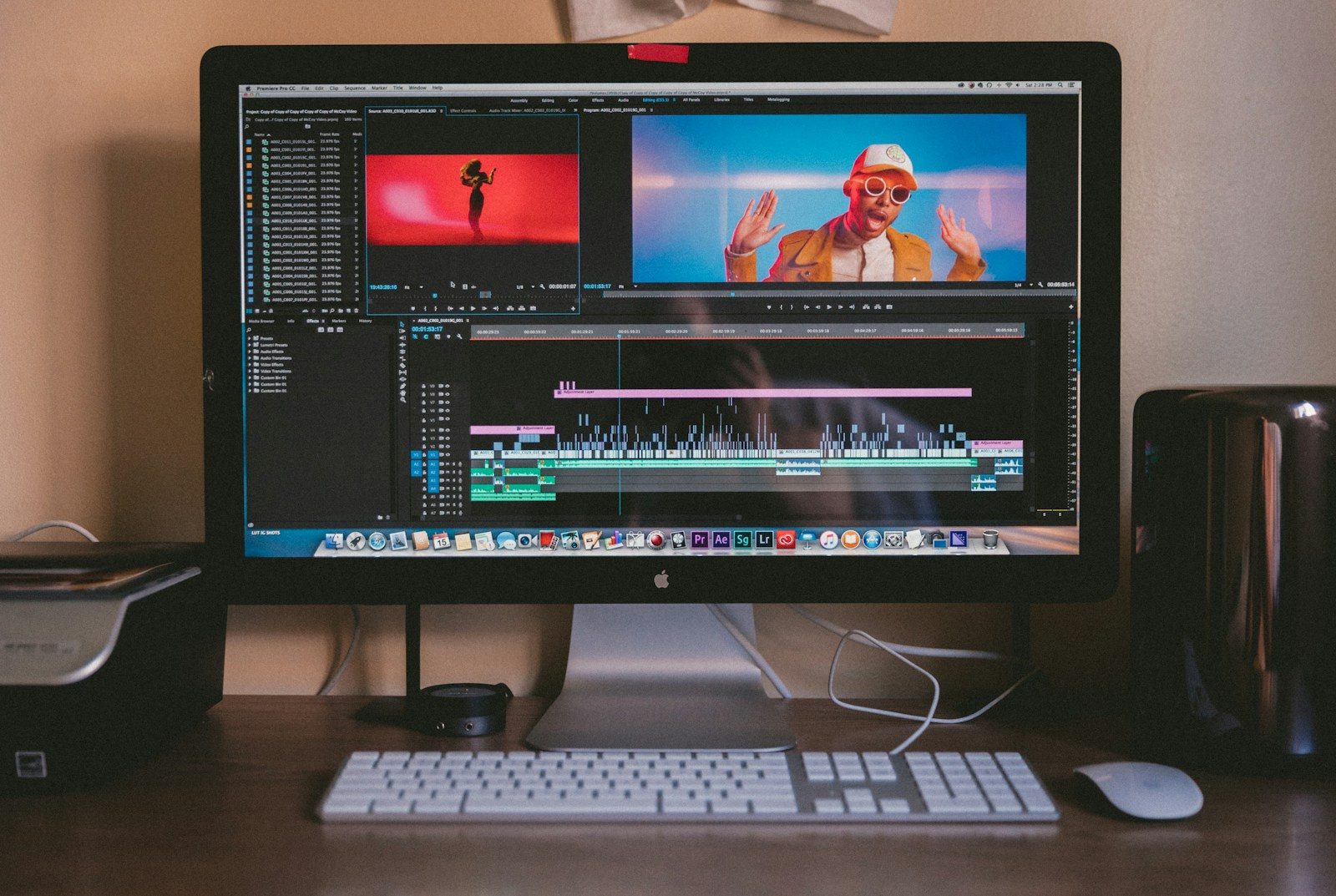
The integration of AI frame tracking techniques can be significantly enhanced through the use of specific tools and workflows. Software like Adobe Premiere Pro and Final Cut Pro offer plugins that facilitate AI-driven enhancements. Additionally, cloud-based solutions such as AWS Elemental Media Services provide scalable processing power for real-time video enhancement.
Establishing a workflow that incorporates these tools allows for seamless integration of AI techniques. This can include automated rendering processes that apply AI enhancements before final output, ensuring consistency and quality across all video content.
Who Should Avoid This?
Organizations with limited technical resources may find the implementation of AI frame tracking techniques challenging. Small teams may struggle with the complexity of setup and ongoing maintenance, which can detract from their core creative efforts.
Additionally, businesses focused on low-budget or low-resolution content may not see a significant return on investment from AI enhancements. In such cases, traditional video editing techniques may suffice without the need for advanced AI solutions.
Common Questions
What is AI frame tracking?
AI frame tracking is a technique that uses artificial intelligence to analyze and enhance individual frames in a video sequence. This process aims to improve overall video quality by reducing artifacts and ensuring smooth motion.
How does AI improve video quality?
AI improves video quality by utilizing algorithms that analyze motion and predict frame transitions. This allows for real-time adjustments that enhance clarity and reduce blurriness.
What are the hardware requirements for AI frame tracking?
The hardware requirements for AI frame tracking can vary based on the complexity of the algorithms used. Generally, a powerful GPU and sufficient RAM are necessary to handle real-time processing demands effectively.
Can AI frame tracking be used for live streaming?
Yes, AI frame tracking can be utilized for live streaming to enhance video quality in real time. This requires robust hardware and efficient protocols to ensure low latency and high-quality delivery.
The Bottom Line
Implementing AI frame tracking techniques can significantly enhance video quality and viewer engagement.
- Understand the technical requirements and configurations needed for effective implementation.
- Regularly monitor performance and adapt strategies based on viewer feedback.
- Choose the right tools and workflows to facilitate seamless integration.